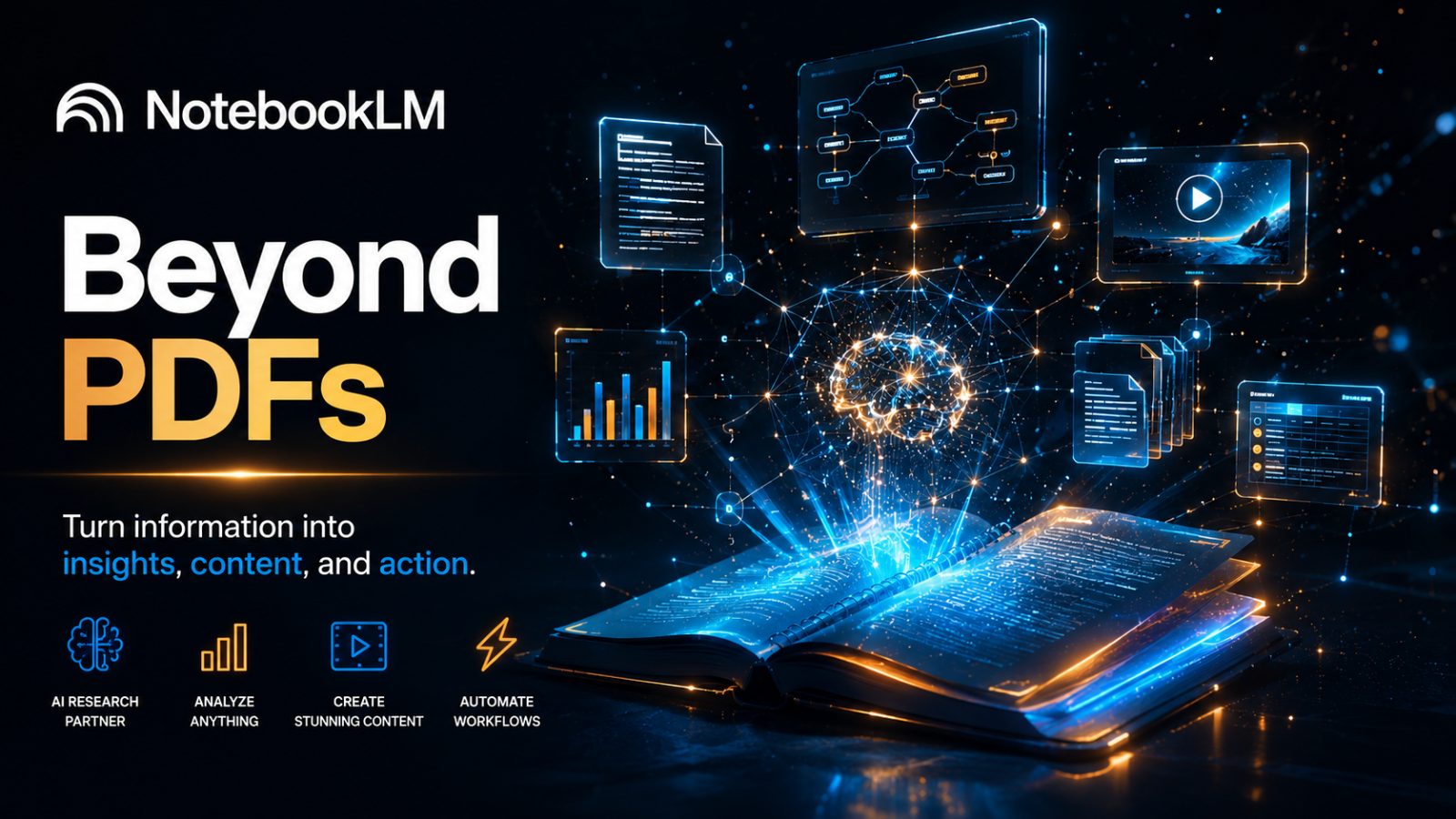
Beyond the PDF: 7 Mind-Blowing Ways Google's NotebookLM Just Became Your New AI Employee
Information overload is the modern productivity tax, and let's be honest — traditional PDF readers aren't helping anymore. For years we've treated them like static digital paper: good for highlighting text, but they still leave 100% of the thinking to you.
If you think NotebookLM is "just another fancy reader," you're sleeping on one of the most powerful updates in AI right now.
It has quietly evolved from a passive utility into a sleeping giant. We're moving past simple Q&A into the era of the agentic thinking partner — a tool that actually executes workflows while you get on with your day.
Here are seven ways NotebookLM is becoming the most overqualified employee you've ever had — for free.
1. It's Gone "Agentic" (And Your Workflow Is About to Change)
The buzzword of the year is "agentic," but here's what it actually means for your Tuesday afternoon: the AI doesn't just answer questions anymore — it does the work. It plans, executes, and delivers finished assets.
Google now positions it as your research and thinking partner, not just a document reader.
This is a real shift. Instead of a chatbot waiting for your next prompt, an agent understands the bigger goal. It's no longer "What's in this PDF?" — it's "Go build me a market entry strategy from these 20 files."
2. The "Studio" and the Nine Shapes of Information
The Studio is where NotebookLM stops reading and starts building. It works on a simple philosophy: one set of sources, nine different shapes.
Dump in your research, and it can instantly transform it into:
- Audio Overview — choose from Brief, Critique, Debate, or Deep Dive formats
- Slide Deck — 25+ slides with diagrams and brand-aligned headings
- Video Overview — Cinematic or Explainer-style videos
- Mind Map — a visual breakdown of complex ideas
- Reports — formal summaries that go beyond bullet points
- Flashcards — great for exam prep or meeting readiness
- Quiz — 10-question assessments with built-in hints
- Infographics — dynamic visuals, including the trendy Bento Grid style for LinkedIn
- Data Table — clean, organized metrics
3. Cinematic Videos and 60-Second "Shorts"
This is the feature putting professional editors on notice. NotebookLM can now take your sources and generate a 4.5-minute cinematic video complete with motion graphics and narration.
If you're a creator, the Short format is a genuine game-changer — a 60-second vertical video, ready for social media.
- The cost win: work that used to cost thousands in manual editing now happens instantly — 60 minutes of learning compressed into a 60-second professional short.
- Availability: rolling out for Ultra and Pro users on mobile and web, with a free version on the way.
4. The Death of the Spreadsheet Headache
Most AI tools hallucinate the moment numbers are involved. NotebookLM is different — it runs actual code in a sandboxed environment instead of guessing the math. With over 100 built-in skills, it behaves like a dedicated data analyst.
- Before: a messy Shopify or Amazon export — mismatched currencies, empty rows, typos — and two hours lost in Excel fixing it.
- After: you upload the mess and say, "Clean this, fix the currencies, and chart monthly sales." It standardizes everything and exports straight to Word, Excel, or PowerPoint.
5. Turning Creators Into Private Mentors
You can now treat any YouTube expert as a 24/7 private consultant. Point the tool at a channel URL, and it ingests that creator's latest videos.
Want to learn a specific creator's PRD method, their markdown format, or their "loop engineering" approach? Build a dedicated master-class notebook around them. With custom system prompts, the AI starts speaking and thinking in that expert's style — a mentor living inside its own notebook.
6. "Deep Research" With Transparent Receipts
NotebookLM gives you two speeds:
- Fast Research — 10–20 seconds
- Deep Research — the AI plans a "hunt" across the web, reading through hundreds of sources to find hidden patterns
In one test run, it surfaced 38 sources, read all of them, and cited 32 in the final report.
This leads to the real superpower: citations. You're never just trusting the answer blindly — every sentence is backed by a clickable "receipt" that jumps you straight to the exact line in the source. It kills the AI "black box" problem outright.
7. The Claude Connection (The Ultimate Power Move)
For power users who want to automate their automation — you can now use Claude as the driver for NotebookLM. With a ready-made connector and a simple setup link, you control your notebooks using plain English inside Claude.
No code, no clicking through Google's menus. You just say:
"Create a new notebook, research AI's impact on jobs using the latest reports, and find the commonalities."
Claude triggers the research, imports the sources, and generates the final report on its own. A fully hands-off experience.
Conclusion: The Future of Your Digital Brain
We're watching AI shift from a search tool to a full-stack employee. By automating the administrative friction — from data cleaning to video production — NotebookLM frees you up for the high-level thinking that actually matters.
If you could turn any expert's entire body of work into a private mentor today, whose channel would you pick first?