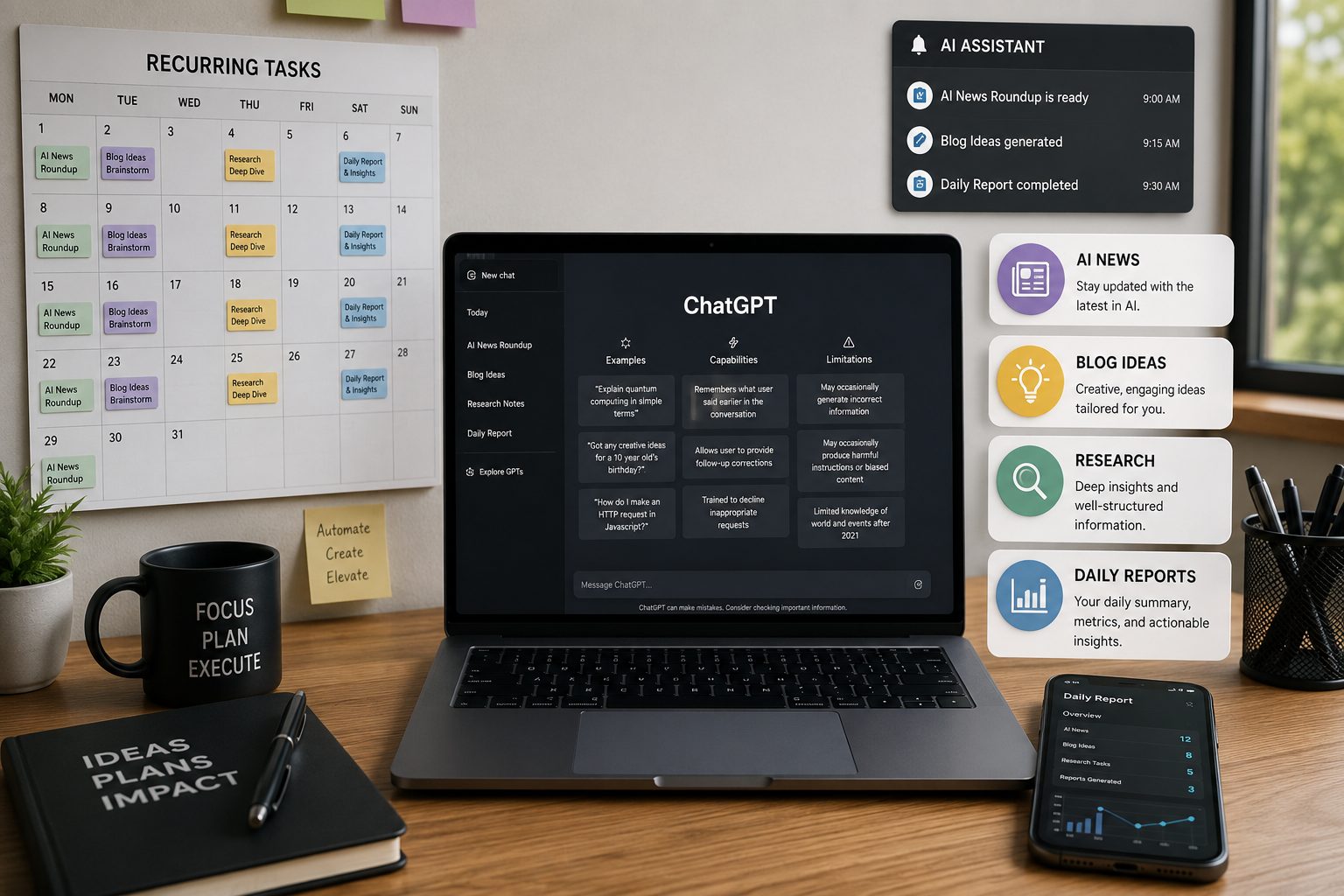
ChatGPT Schedule Feature: The Complete Guide to Automating AI Tasks, Research, and Daily Work
Reading Time: 12–15 minutes
Imagine This...
Every day, you spend 30–60 minutes asking ChatGPT the same questions:
- "What happened in AI today?"
- "Give me 5 blog ideas."
- "Find the latest AI tools."
- "Summarize today's research papers."
Now imagine never typing those prompts again.
Instead, ChatGPT automatically does the work at the time you choose and sends you the results.
That's exactly what the ChatGPT Schedule feature is designed to do.
Whether you're a content creator, entrepreneur, student, marketer, or developer, this feature can save hours every week while helping you stay consistent.
In this guide, you'll learn everything you need to know about ChatGPT Schedule, including practical examples, best practices, and creative ways to use it.
What Is the ChatGPT Schedule Feature?
The ChatGPT Schedule feature lets you ask ChatGPT to perform a task automatically at a specific time or on a recurring schedule.
Instead of manually asking the same prompt every day, you create it once.
Examples:
- Every morning at 8 AM, summarize AI news.
- Every Monday, send startup ideas.
- Every evening, remind me to study.
- Every Friday, create LinkedIn content ideas.
Once the schedule is created, ChatGPT runs the task automatically and notifies you when it's ready.
Why This Feature Matters
Many people already use ChatGPT every day.
The problem is repetition.
Researching.
Summarizing.
Finding ideas.
Checking news.
These are repetitive tasks.
The Schedule feature turns ChatGPT into a personal AI assistant that works automatically.
Benefits include:
- Save time
- Build daily habits
- Stay updated
- Never forget important tasks
- Publish content consistently
- Reduce manual work
Who Should Use It?
Almost everyone can benefit.
Content Creators
Automatically receive:
- Blog ideas
- YouTube video ideas
- Instagram captions
- LinkedIn posts
- Newsletter topics
Students
Schedule:
- Daily study reminders
- Quiz questions
- Revision notes
- Vocabulary practice
- Exam preparation
Entrepreneurs
Receive:
- Startup ideas
- Market research
- Competitor updates
- Industry news
- Business opportunities
Developers
Automatically collect:
- GitHub trends
- AI releases
- Framework updates
- Programming tutorials
- Open-source projects
Marketers
Schedule:
- SEO keyword ideas
- Marketing trends
- Competitor analysis
- Social media content
- Campaign ideas
Best Use Cases
1. Daily AI News
Every morning:
- OpenAI updates
- Google DeepMind news
- Anthropic announcements
- Microsoft AI
- Meta AI
- Hugging Face
- GitHub releases
2. Blog Idea Generator
Receive:
- SEO opportunities
- Trending topics
- Search intent
- Keywords
- Blog outlines
Perfect for bloggers.
3. YouTube Research
Automatically find:
- Viral topics
- Trending tutorials
- Popular questions
- Video ideas
4. Startup Research
Receive reports about:
- Funding news
- Product launches
- Market opportunities
- AI startups
5. Learning Assistant
Examples:
Every day:
- Learn one AI concept.
- Learn one business lesson.
- Learn one marketing strategy.
6. Personal Productivity
Schedule reminders for:
- Reading
- Exercise
- Meetings
- Project deadlines
- Daily planning
Real Examples
Example 1
"Every day at 9 AM, summarize the biggest AI news from trusted sources."
Example 2
"Every Monday, give me five startup ideas related to AI."
Example 3
"Every evening at 7 PM, remind me to study English for 30 minutes."
Example 4
"Every Friday, prepare five LinkedIn post ideas for AI creators."
How to Write Better Scheduled Prompts
A great prompt should clearly answer these questions:
What?
What should ChatGPT do?
Example:
Find AI news.
When?
Every day?
Weekly?
Monthly?
Where?
Should it search:
- News websites
- GitHub
- Research papers
- YouTube
- X (Twitter)
Output Format
Should it include:
- Summary
- Bullet points
- Table
- Keywords
- Outline
- Action items
Rules
Tell ChatGPT what to avoid.
Example:
- Avoid clickbait.
- Avoid duplicate ideas.
- Use trusted sources only.
- Prefer evergreen content.
Common Mistakes
Too Short
Bad:
"Give AI news."
Better
"Search trusted AI sources, summarize the five biggest updates, explain why they matter, and include links."
Specific prompts produce better results.
Tips for Better Results
- Be specific.
- Mention trusted sources.
- Define the format.
- Mention the audience.
- Add quality rules.
- Avoid vague instructions.
- Update your schedule when your goals change.
Can This Replace Manual Research?
Not completely.
Scheduled tasks are excellent for collecting information automatically.
However, you should still review the results before publishing articles, videos, or making business decisions.
Think of ChatGPT as your research assistant, not your final editor.
Frequently Asked Questions
Is the Schedule feature free?
Availability depends on your ChatGPT plan and the features currently offered by OpenAI.
Can I create daily tasks?
Yes.
You can create recurring daily schedules.
Can I schedule weekly tasks?
Yes.
Weekly schedules are supported.
Can ChatGPT search the latest information?
Yes, if your scheduled task is written to search current information and your ChatGPT plan supports web-based searches for that task.
Can I edit or delete scheduled tasks?
Yes.
You can modify or remove them whenever you want.
Best Ideas You Can Automate
- AI news
- Startup ideas
- SEO keyword research
- Product launches
- Market research
- Research paper summaries
- YouTube trends
- GitHub trends
- Daily learning
- Language practice
- Productivity reminders
- Weekly business reports
Final Thoughts
The ChatGPT Schedule feature is one of the easiest ways to automate repetitive work.
Instead of spending time asking the same questions every day, you can let ChatGPT collect information, organize it, and deliver it on schedule.
Whether you're creating content, building a startup, learning new skills, or staying informed about AI, scheduled tasks can help you save time and work more consistently.
The more detailed your prompt is, the more valuable your scheduled results will be.
If used well, ChatGPT becomes more than a chatbot—it becomes an AI assistant that works for you every day.
Call-to-Action
Stop repeating the same prompts every day. Discover powerful AI prompts from expert creators on Promzen and automate your workflow with better prompts.